 PotomAndroid ↗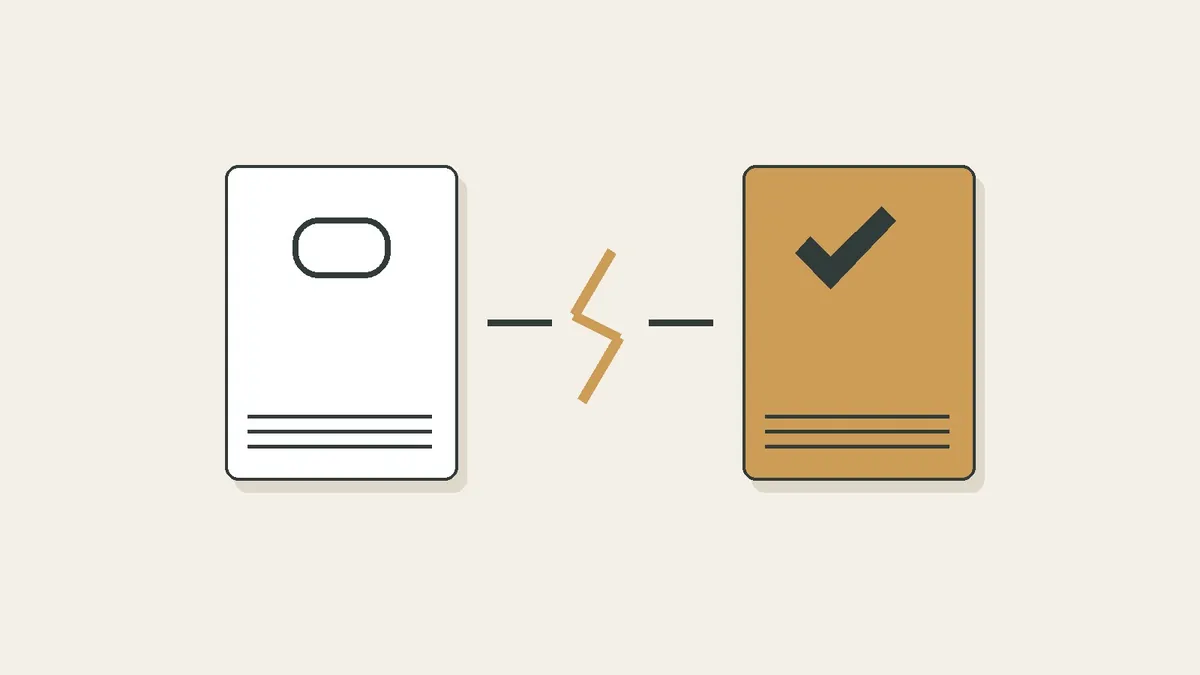
The address can survive while the information disappears
Suppose you bookmark a repair tutorial today and return when something breaks. The bookmark may still be in your browser, but the page behind it may have moved, changed or become unavailable. A saved address tells you where to look. It does not, by itself, keep the material that used to be there.
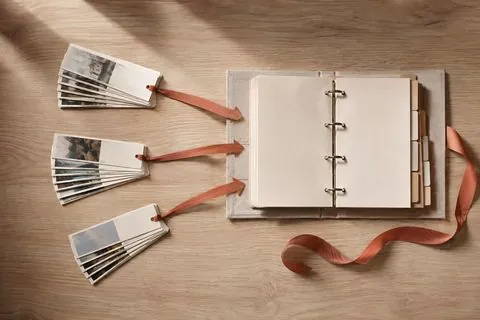
For something you may genuinely need, decide what must survive: the route back to the source, your own understanding of it, or a readable copy. These are three different jobs. A single entry can contain all three, but you should check rather than assume.
Choose the smallest useful record
| What you keep | What it helps preserve | What it cannot promise |
|---|---|---|
| A bookmark | The address and usually a label | The original page will remain available |
| Your own note plus a source link | The detail you understood and why it matters | All the original context or exact wording |
| A screenshot | The visible part of the page | Hidden sections, working links or playable video |
| A downloaded document or archived page | The content actually included in the saved file | Every interactive or externally loaded element |
For a café to revisit, a note and link may be enough. For instructions you expect to follow without a connection, inspect a saved copy. For changing information such as opening hours, a preserved page is a historical record; check the current source when the decision matters.
Inspect the copy before relying on it
- Save only material you are entitled to keep, using an available download or capture method.
- Open the saved file or archived version rather than the original link.
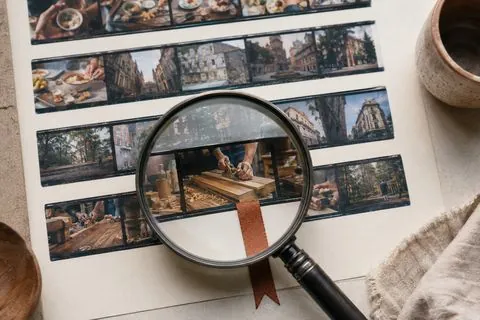
- Look for the exact section, image or table you will need.
- Check whether important elements still fetch information from the original website.
- Keep the source address and capture date with the copy.
A successful save notification does not tell you whether the essential diagram was captured. A quick check now is cheaper than discovering a blank frame later. If offline access matters, test it deliberately while disconnected, using the saved version.
A simple practice exercise is to use a short page of your own: save its link, write a note and create a permitted copy. Compare what each record contains. This is an exercise you can run, not a claim that a benchmark has been performed for this article.
Where archive-oriented tools help
Linkwarden advertises page preservation in multiple formats. Karakeep also documents full-page archives. Either is worth investigating when keeping source material is central to your workflow. Verify the result on your own pages, particularly when they include dynamic content.
Linkwarden’s documented preservation features
Karakeep’s documented archive features
Potom is useful for keeping a supported source with searchable context on Android. Do not assume that analysing a link means every original page, image or video has been permanently archived. If you need an independent copy, establish that separately.
An archive needs a way out too
Preserving a page inside one service still leaves you dependent on that service or your own server. Check what can be exported and whether you can open it elsewhere. An export containing only URLs has a different purpose from an export containing the saved documents.
Keep copies proportionate to their value. You probably do not need to preserve every passing recommendation. Start with the few instructions, references and pieces of work that would be difficult to replace. For each, ask one concrete question: if the original vanished tomorrow, would what I kept still be useful?