Several finds from one video
Save selected films, apps or places as separate cards.
 PotomAndroid ↗
Save useful finds to Potom for Android with Share. Find them by meaning, even when you forget the title. Identify films from clips, build shopping lists and return to recipes.
Get Potom for Android Start for free
A link, a note, an image or a file. Potom brings out the details that help you do what you had in mind.
Potom can identify an anime, film or series from frames and dialogue, even when the post leaves out the title.
How identification works ↗
Frames, subtitles and dialogue help identify the work from its content.
Illustrative example. The scene is fictional; no search runs here.
Identification depends on source quality and access. Details are added when there is a confident match and information is available in the catalogue.
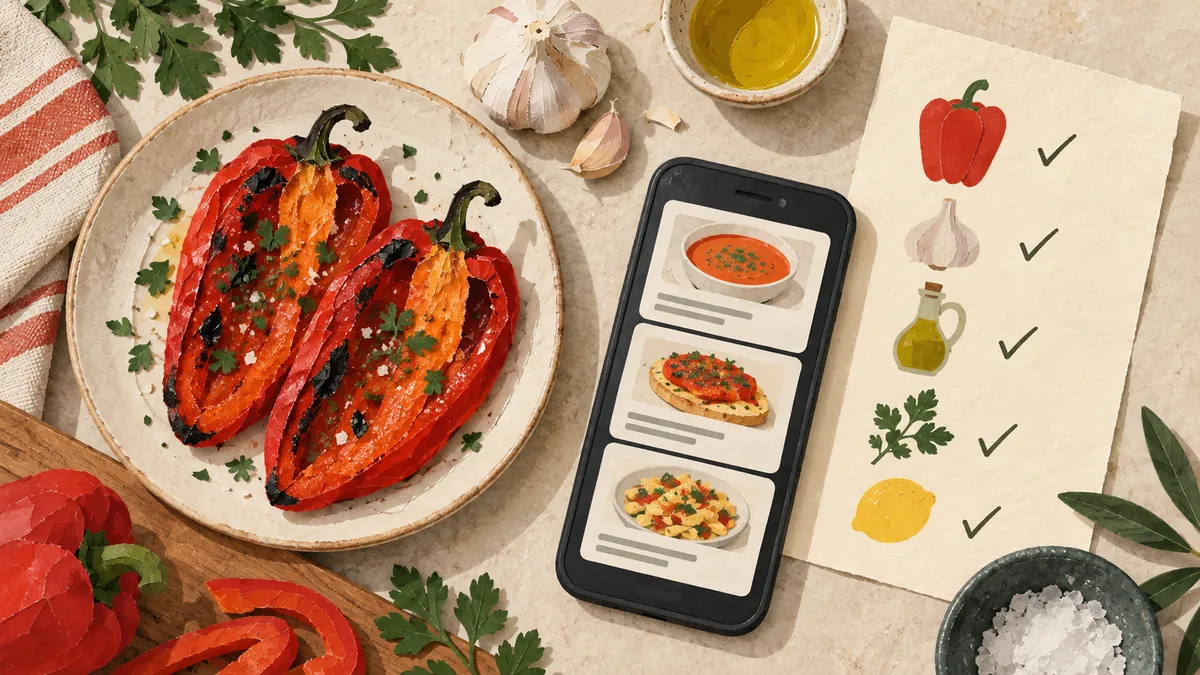
Potom extracts products from a roundup. Choose what you need, add it to a list and set a reminder at a store on the map.
From a review to a shopping list ↗Set the reminder on the saved card. Location and notification permissions are required.

Choose a store on the diagram.
2 products selected · interactive example
When Potom recognises an open-source tool, it looks for a matching repository. The project description, code and original video stay together.
Save a project from a video ↗Share files between devices on a local network.
Open the GitHub repository ↗Prepared example featuring a real project. No search runs here.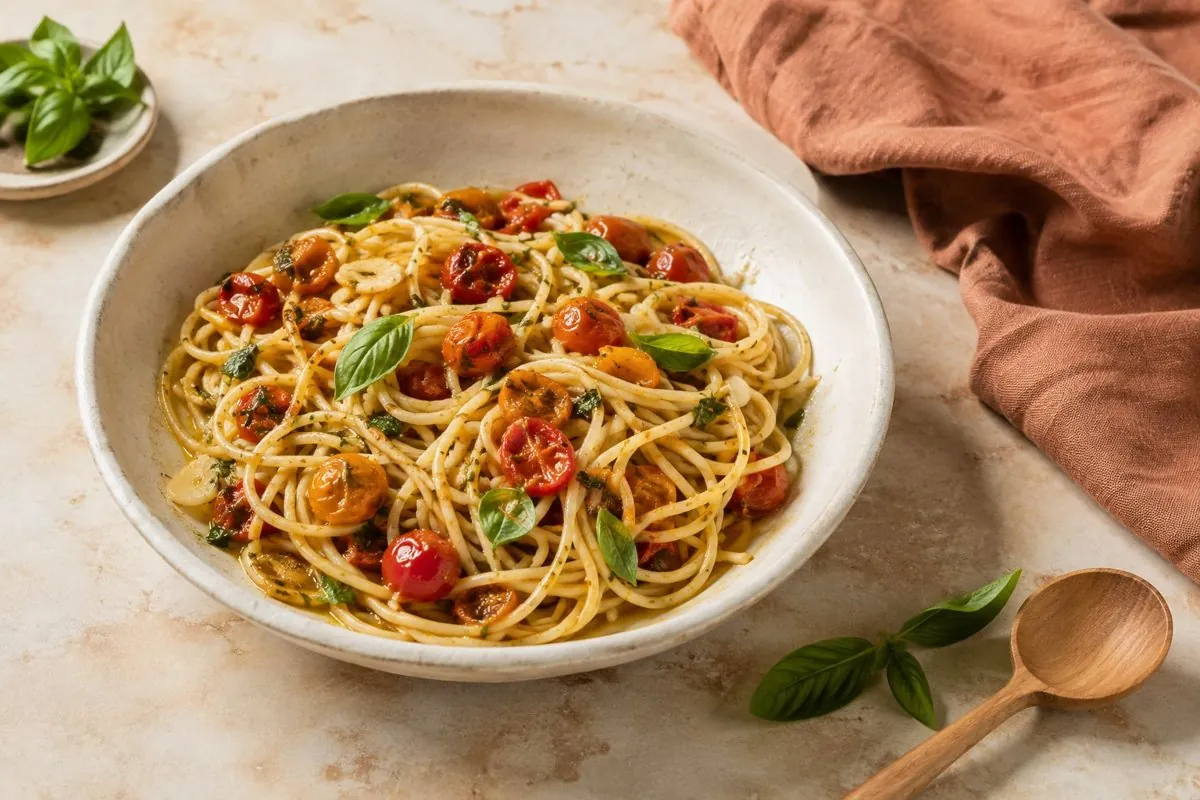
Ingredients and cooking steps in one card. Add the products you need to your shopping list.
Illustrative recipe. Check quantities and cooking instructions in the original source.
Potom extracts chapters and practical steps when a timestamped transcript is available. Open the relevant moment from the card.
Gather your materials and check the starting requirements.
Timestamps are for demonstration only.Bring your browser bookmarks across. Potom removes duplicates, turns folder names into tags and processes accessible articles.
Export Chrome bookmarks as HTML and select the file in Potom on Android.
Read the import guide ↗Up to 5,000 links per import. Uses a compatible HTML file; no continuous sync is required.
Ask about your saved content in your own words. Potom finds relevant material and shows the sources behind its answer.
This example contains a pasta recipe, a LocalSend review and a product list.
Demo with three saved items. In Potom, search works across your library.
Save selected films, apps or places as separate cards.
Return at the right time and receive a roundup of saved items if you enable it.
Encrypted storage on your device and local text search in supported files.
Find related items, edit tags and share completed cards.
More reviews, longer videos and larger files. For people who save something every day.
Check Plus availability in the app ↗| Feature | Free | Plus |
|---|---|---|
| AI analyses per month | 30 | 150 |
| Memory questions per month | 30 | 500 |
| File size | 10 MB | 100 MB |
| Audio or video | 5 minutes | 60 minutes |
Current terms are shown in the app. Basic notes, lists and reminders remain free.
Practical guides to importing bookmarks, identifying films and using saved content.
 Everyday life
Check the source, quantities and steps of a saved recipe video before building a shopping list from what you actually need.
Read the guide ↗ Bookmarks & memory
Add one line of context to a saved link: your task, constraint and next step. A practical example with Potom’s capture form.
Read the guide ↗ Bookmarks & memory
Check the source, connection and account session before retrying a saved link. Learn what the different Retry buttons in Potom do.
Read the guide ↗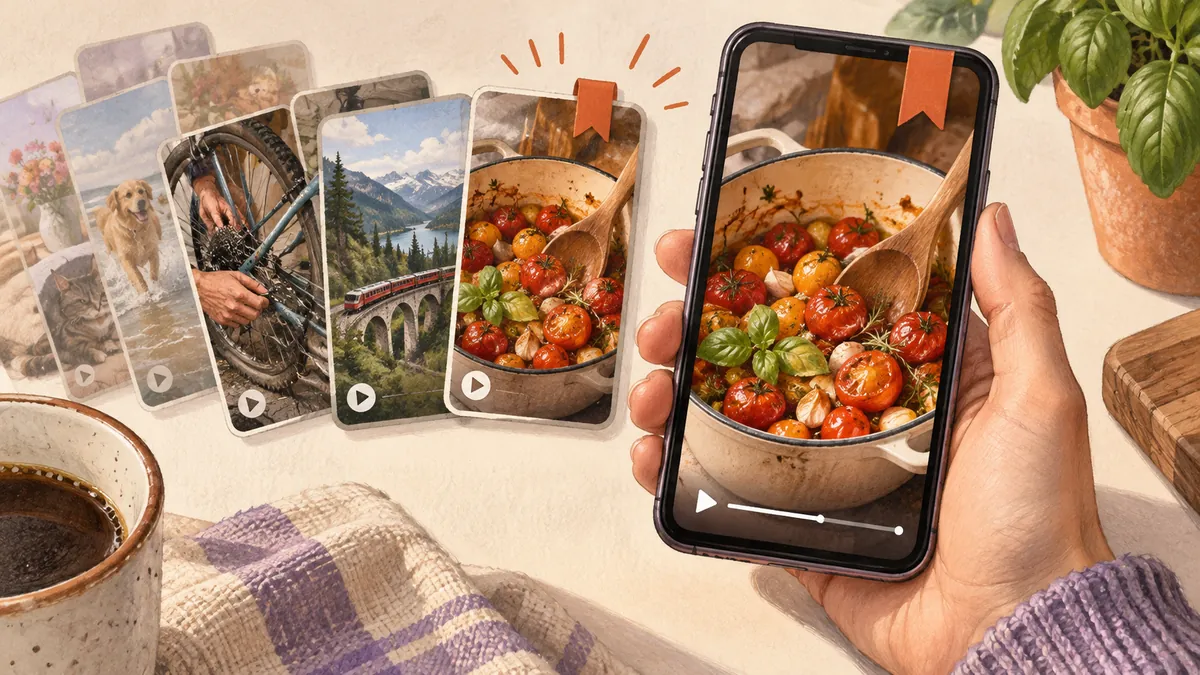 Bookmarks & memory
Look in Saved first, distinguish saved clips from liked videos, and keep useful context when a Facebook Reel becomes hard to find.
Read the guide ↗ Bookmarks & memory
Compare page preservation, reading, hosting and Android capture to choose a bookmark workflow that fits your links, notes and videos.
Read the guide ↗ Bookmarks & memory
Keep useful links and notes in a small searchable library, with a capture-and-review routine that starts with five things you already need.
Read the guide ↗ Bookmarks & memory
Learn what a link, a note and a saved copy preserve, then choose how to keep information you may need after the original page changes.
Read the guide ↗ Bookmarks & memory
Turn an overflowing reading queue into a few useful next steps, without reorganising every bookmark you have ever saved.
Read the guide ↗ Film & anime
Found a scene without a title? Use a screenshot, clip or line of dialogue to look for the movie or anime. See how to check a match with Potom on Android.
Read the guide ↗ Everyday life
Choose useful products from a review, add them to your list and set a reminder near the store you select.
Read the guide ↗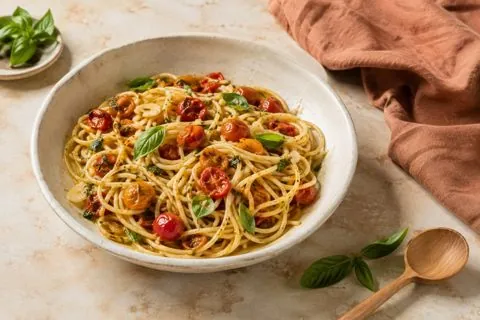 Everyday life
A practical Android workflow for keeping a public recipe video together with ingredients, steps, corrections, and a shopping list.
Read the guide ↗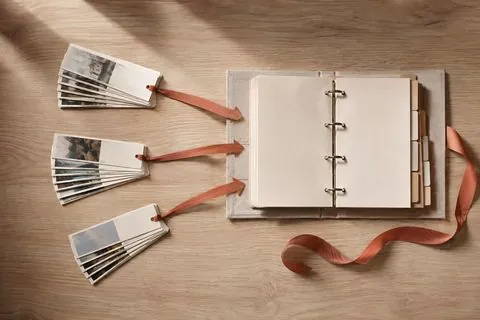 Bookmarks & memory
Move your bookmarks to Android with a compatible HTML file, keep folders as tags and check the imported cards before adding more.
Read the guide ↗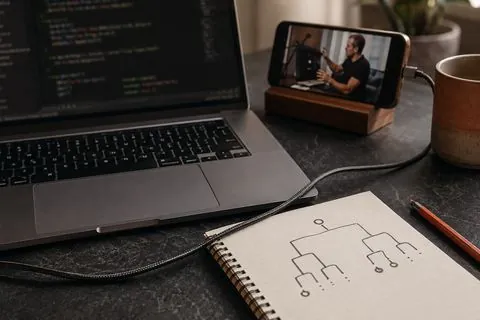 For work
Connect a useful tool with its repository and keep the reason you wanted to try it, so you can return when the work calls for it.
Read the guide ↗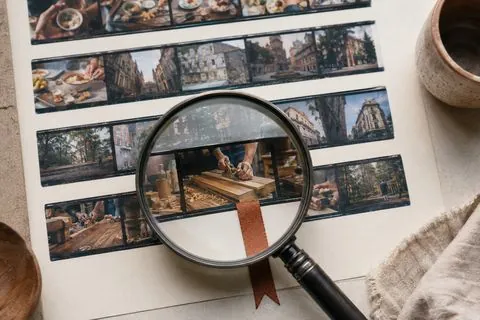 Bookmarks & memory
Saved a Reel but cannot find it? Check Instagram collections, liked posts and downloads, then keep the recovered link searchable with Potom on Android.
Read the guide ↗ Bookmarks & memory
A practical comparison of URL bookmarks, read-later tools, and AI-assisted saved cards, including search, privacy, source limits, and when plain bookmarks are enough.
Read the guide ↗ Bookmarks & memory
Choose a reading service, bookmark collection, personal archive or mixed-content library by the task you want to accomplish.
Read the guide ↗Articles: 16
Open the Android Share menu and choose Potom. Send a link, text, image or file, or move browser bookmarks through HTML import.
The result depends on source access. Private posts, deleted videos and platform restrictions can prevent analysis. If you have the text or file, share it separately.
Regular AI analyses and memory questions use server processing. Protected documents are stored encrypted on your device and searched locally. See the privacy policy for details.
You choose which recognised products go into a list. Set a reminder separately on the saved card: choose a time or a location on the map and grant the required permissions.
Potom is currently available for Android. Safari bookmarks can be transferred to Android using a compatible HTML export.