 PotomAndroid ↗
Start with five things you want to use again
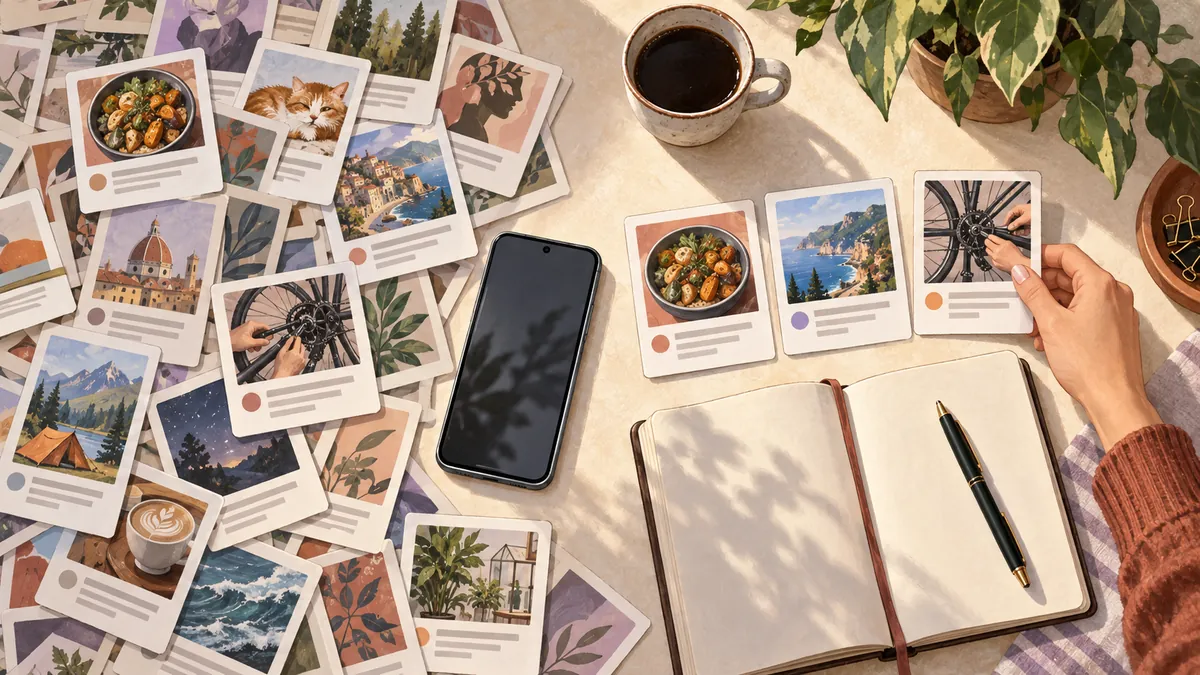
You do not need to design a system for everything you know. Choose five things you expect to use: a recipe, a repair guide, an article for work, a place to visit and an idea of your own. Put them somewhere you can search from your phone. That is enough to start a useful personal library.
“Second brain” is a convenient name for that external collection. It is not a requirement to automate your life, adopt a particular note-taking method or ask AI to remember everything. The first test is smaller: can you get back to the right material when you need it?
Keep the source, the reason and the next step
A title tells you what the creator called something. Your note tells you why it mattered. Keep both. Add an action only when you genuinely intend to do something; turning every interesting link into a task makes the library harder to trust.
| Saved item | Useful context | Possible next step |
|---|---|---|
| A tomato sauce recipe | For Saturday; uses the tomatoes already in the kitchen | Check the ingredients before shopping |
| A backpack repair guide | The zip sticks at the lower corner | Compare the repair with my zip |
| An article about feature flags | Explains gradual rollout for the next work discussion | Read the limitations section |
| A café recommendation | Near the station for the next visit | Check opening hours when travelling |
These are illustrative entries. The point is the shape of the note, not the particular topics. One sentence of your own context often gives you a better retrieval clue than a long list of generic tags.
Make capture easy enough to repeat
On Android, Share is the standard way for an app to offer content to another app. The options depend on what the source app provides. A shared URL, selected text and an image are different inputs; check that you sent the one you intended.
Android documentation: sending content to other apps
Pick one destination for the five-item trial. A searchable notes app may be sufficient. In Potom, share supported material and check its saved card before treating the job as finished. If analysis misses an important detail, correct the context rather than assuming a later search will reconstruct it.
Practise the question you will ask later
After a few days, try a question such as “the backpack zip repair” or “the sauce for Saturday”. Start with ordinary search. If you use semantic search or a question-answering feature, open the supporting saved source before acting on the answer.
An empty result is useful information. Was the item never saved, was too little information captured, or did your note omit the clue? Fix that one entry. Do not rebuild your whole folder system because one search failed.
Potom’s memory features operate on the material in your library. They are not a way to recover everything you have ever seen online, and an answer is not a substitute for checking the original instructions.
Keep maintenance smaller than the benefit
Once a week, open a few recent saves. Use one, improve the context on one, and remove something you no longer need if you are comfortable doing so. That is a suggested routine, not a scientifically established interval.
If the collection still works after several weeks, bring over another small group. Keep sensitive material out until you understand the chosen service’s processing and storage. Judge the system by successful returns: a recipe cooked, a reference found, a repair attempted. The number of saved items is only a count.